
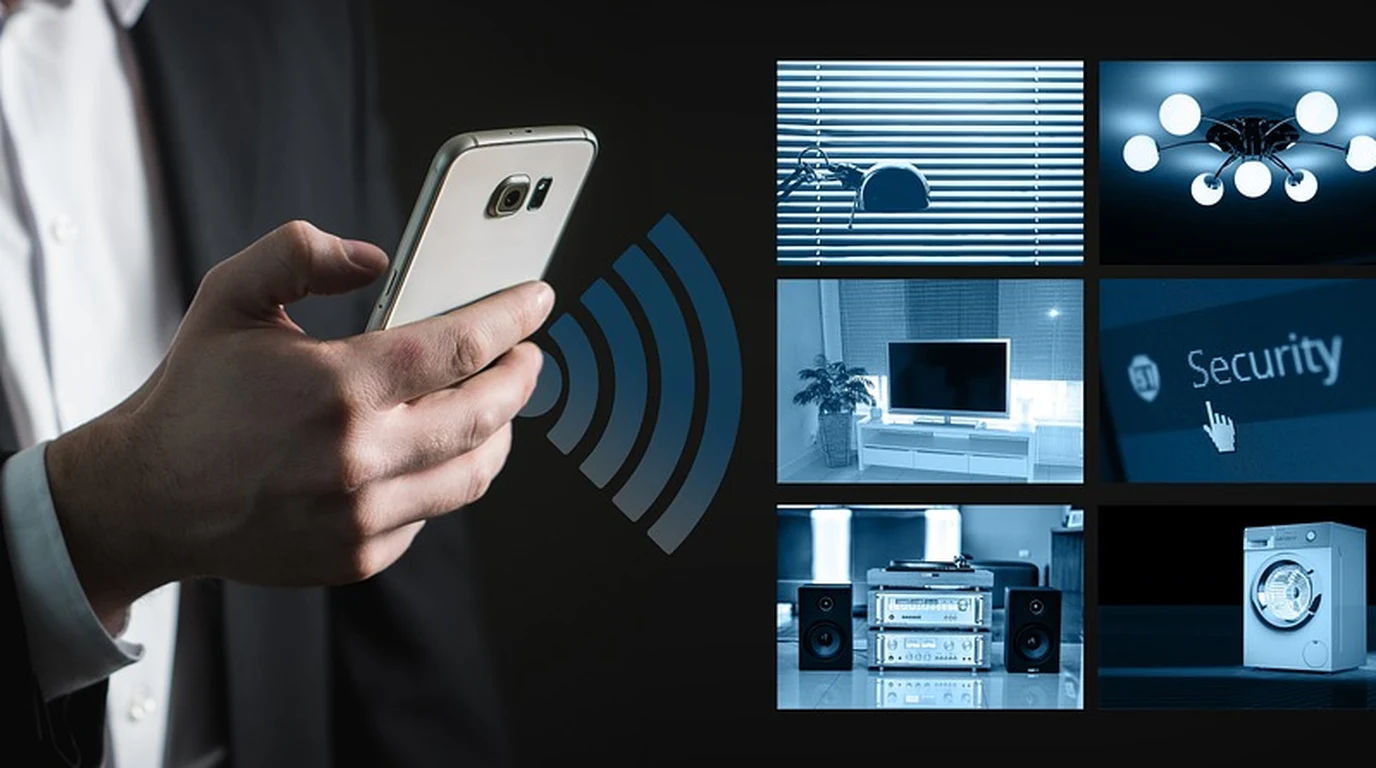
When engineering a robust smart home automation ecosystem, selecting the foundational wireless communication protocol is the single most critical architectural decision a systems integrator will make. While Wi-Fi smart plugs and consumer Bluetooth lightbulbs dominate mass-market retail shelves, professional custom automation relies on dedicated, low-power mesh networking standards: Zigbee and Z-Wave. Both protocols eliminate central points of failure by routing automated signals through mains-powered repeating nodes (light switches, smart plugs, in-wall dimmers). However, beneath their surface mesh mechanics lies a profound divergence in radio frequency physics: Zigbee broadcasts on the global 2.4 GHz ISM band, while Z-Wave operates on regional Sub-Gigahertz spectrum (908.42 MHz in North America). In dense residential homes packed with Wi-Fi 6E/7 routers, Bluetooth audio devices, and thick building construction materials, this physical frequency difference determines whether your home automation executes instantaneously or suffers frustrating dropped packets. Here is Marcus Vance’s forensic wireless engineering benchmark comparing Zigbee against Z-Wave mesh protocols, signal penetration physics, network scalability, and RF interference mitigation.
What Is the Real Difference Between Zigbee and Z-Wave?
The core physics governing wireless signal propagation is the relationship between frequency and attenuation: Lower radio frequencies travel farther and penetrate solid physical barriers with significantly less path loss than higher frequencies. A 908 MHz radio wave has a physical wavelength of approximately 33 centimeters, whereas a 2.4 GHz wave measures only 12.5 centimeters. When encountering physical obstacles like dense drywall, acoustic insulation, solid wood framing, and bathroom tile, 2.4 GHz signals suffer up to 10dB to 15dB greater signal attenuation per barrier.
Protocol Specification Matrix: Z-Wave 800 vs Zigbee 3.0 vs Thread
Compare the operational parameters across primary smart home wireless standards:
| Protocol Standard | Operating RF Frequency | Data Bandwidth | Max Mesh Hops | Wi-Fi Coexistence |
|---|---|---|---|---|
| Z-Wave Plus (800 Series) | 908.42 MHz (North America) | 100 kbps | 4 hops (Mesh) / 0 hops (LR) | 100% Complete Isolation (Zero Clash) |
| Zigbee 3.0 (802.15.4) | 2.405 to 2.480 GHz (ISM) | 250 kbps | Up to 30 hops | Competes directly with Wi-Fi Ch 1, 6, 11 |
| Thread (Matter) | 2.4 GHz (6LoWPAN / IPv6) | 250 kbps | Multi-hop mesh / Self-healing | Competes directly with 2.4 GHz Wi-Fi |
The 2.4 GHz Coexistence Trap: How Wi-Fi Destroys Zigbee
The most frequent failure in DIY Zigbee deployments is RF Co-Channel Interference. A standard 2.4 GHz Wi-Fi channel (such as Channel 1, 6, or 11) utilizes a wide 20 MHz or 40 MHz channel swath and transmits at high consumer power levels (up to 1,000 milliwatts). In contrast, Zigbee channels are narrow (2 MHz wide) and transmit at microscopic power levels (typically 1 to 10 milliwatts).
If your Wi-Fi router broadcasts on Wi-Fi Channel 6 (center frequency 2437 MHz) while your Zigbee coordinator is set to Zigbee Channel 17 or 18 (center frequency 2435-2440 MHz), every single high-speed Wi-Fi transmission—such as downloading a video game update or streaming 4K video—completely drowns out the tiny Zigbee packets. Smart motion sensors experience 5-second delays, and smart light switches intermittently fail to respond.
To engineer flawless Zigbee reliability, system architects lock Wi-Fi routers strictly to 20 MHz channel widths on Wi-Fi Channels 1 and 6, and deliberately configure the Zigbee coordinator to Zigbee Channel 25 (2475 MHz), which sits in the clean spectral guard-band above Wi-Fi Channel 11.
Z-Wave Long Range: Point-to-Point Architectural Freedom
With the release of the Z-Wave 800 Series chipsets and Z-Wave Long Range (ZWLR) specification, Z-Wave introduced an extraordinary capability: eliminating mesh routing entirely for large properties. ZWLR operates in a star topology with transmit power up to +14dBm, delivering up to 1.6 kilometers (1 mile) of line-of-sight wireless range.
On large multi-acre residential estates, a central Z-Wave coordinator located in the main house equipment rack can communicate directly with detached gate openers, pool equipment shed controllers, and perimeter sensors without needing a daisy-chain of intermediate repeating plug-in modules. Combined with 10-year coin-cell battery life, Z-Wave remains the gold standard for high-security enterprise installations.
Z-Wave S2 Security and SmartStart QR Code Provisioning
In high-security residential automation, wireless protocol vulnerabilities represent a significant intrusion vector. Older Z-Wave protocols (S0 security) suffered from high network overhead and vulnerable key exchanges. Modern Z-Wave deployments mandate Security 2 (S2) Authenticated Encryption.
S2 security utilizes Diffie-Hellman key exchange and military-grade 128-bit AES encryption, completely eliminating man-in-the-middle eavesdropping and replay attacks. Furthermore, Z-Wave SmartStart transforms device commissioning: integrators simply scan a device’s unique QR code using their smartphone, apply power to the device, and the Z-Wave coordinator automatically recognizes, authenticates, and enrolls the node in the background without pressing complex pairing buttons.
Coordinator Silicon: Silicon Labs EFR32 vs Texas Instruments CC2652
When selecting a Zigbee or Z-Wave coordinator USB dongle for Home Assistant, component silicon dictates network stability. For Zigbee, coordinators utilizing the Texas Instruments CC2652P or Silicon Labs EFR32MG21 chips feature high-gain +20dBm power amplifiers that ensure strong beaconing across large homes.
For Z-Wave, modern dongles based on the Silicon Labs ZGM130S (700 Series) or EFR32ZG23 (800 Series) offer extended transmission range, lower standby current draw, and native Z-Wave Long Range support, providing a robust hardware bridge that eliminates packet latency and device dropouts across complex multi-story residential framing and dense electrical conduit runs.
Central automation coordinators require stable, battery-backed clean power. Review our power conditioning guide on Clean Power Conditioning: Isolated Ground vs Balanced AV.