
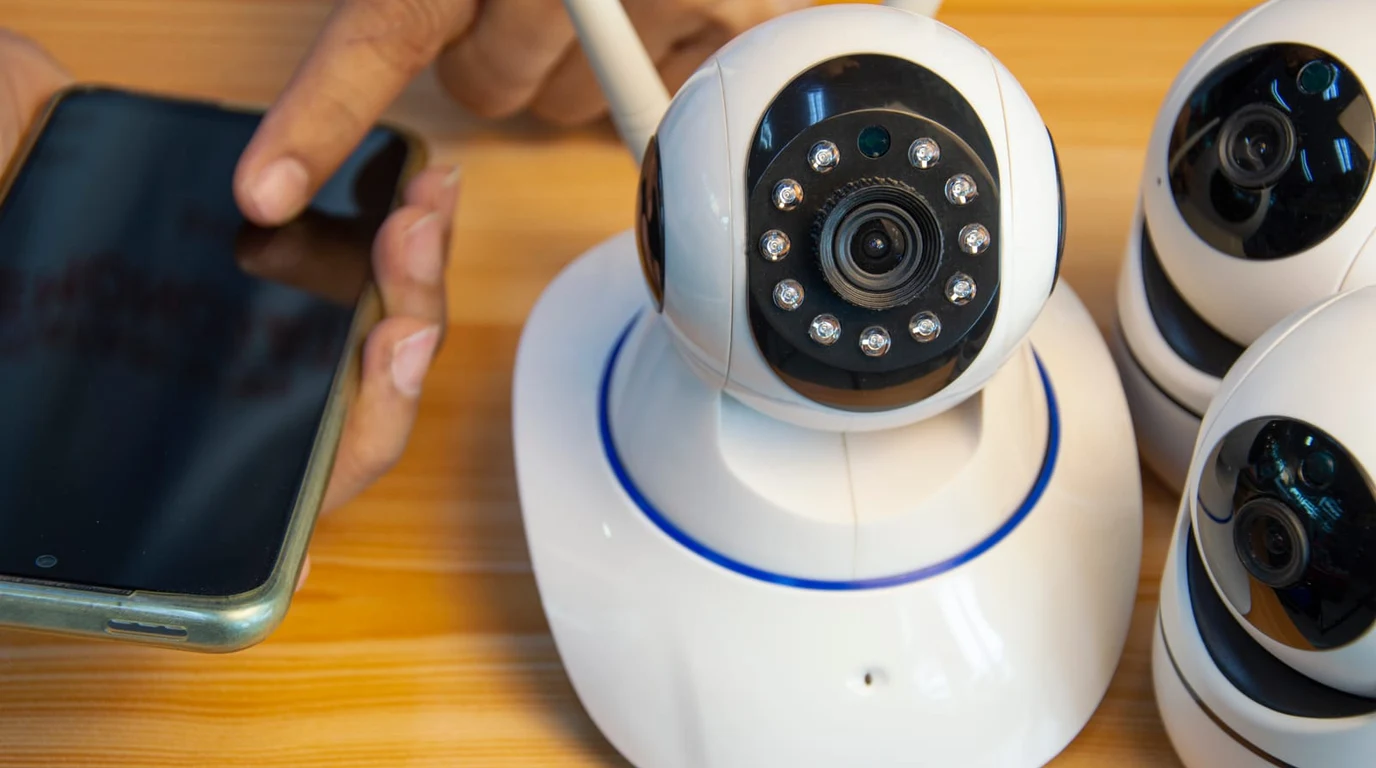
For custom AV integrators, security-conscious homeowners, and enterprise facility managers, video surveillance has reached a critical technological and philosophical crossroads. Consumer cloud subscription cameras from Ring, Nest, and Arlo have become notorious liabilities: mandatory monthly cloud fees ($10–$20/month per location), crippling 10-second motion detection delays, and alarming privacy policies that expose private household camera feeds to third-party law enforcement without warrants. As a result, the market has pivoted aggressively toward 100% on-premises, local smart video surveillance. In this arena, two dominant platforms rule: the polished, turnkey hardware ecosystem of Ubiquiti UniFi Protect and the open-source, AI-powered powerhouse of Frigate NVR. Choosing between them requires analyzing camera hardware vendor locking, Edge AI object detection accuracy, RTSP stream latency, and 5-year total cost of ownership (TCO).
What Is the Difference Between UniFi Protect and Frigate NVR?
UniFi Protect is a vertically integrated, proprietary hardware-and-software surveillance appliance running on UniFi Dream Machines or UNVRs with zero recurring software fees, plug-and-play PoE setup, but strict camera vendor lock-in. Frigate NVR is a vendor-agnostic, open-source AI video recording platform running in Docker on bare-metal x86 or ARM servers, utilizing real-time Google Coral or TensorRT Edge AI inference, sub-100ms WebRTC streaming via go2rtc, and seamless Home Assistant automation integration.
The architectural divergence between these two systems reflects two distinct philosophies of local infrastructure. Ubiquiti UniFi Protect operates like the Apple of enterprise surveillance. When you plug a UniFi G5 Pro or AI Bullet camera into a UniFi PoE switch, the system instantly discovers, adopts, provisions, and configures the camera in seconds. The mobile and web applications provide fluid scrubbing across 24/7 continuous recordings with smart detection thumbnails. However, this polish comes at the cost of rigid ecosystem lock-in: while third-party ONVIF cameras can now be adopted into Protect, advanced smart detections (person, vehicle, animal, license plate recognition) and camera firmware controls remain strictly quarantined to expensive, proprietary Ubiquiti camera hardware.
Frigate NVR, created by Blake Blackshear, is engineered from the ground up for high-efficiency, real-time computer vision and automation logic. Rather than relying on simple pixel-based motion triggers that get fooled by blowing tree branches, headlights, or rain, Frigate uses a low-overhead motion detection pre-filter to trigger localized bounding-box inference against real-time Edge AI models (MobileNet, YOLO-NAS, or custom models) powered by a hardware accelerator like a Google Coral Edge TPU or an Nvidia GPU running TensorRT. Frigate works seamlessly with virtually any industry-standard ONVIF/RTSP camera—from budget $45 Dahua and EmpireTech starlight turrets to high-end Axis 4K pan-tilt-zoom domes.
UniFi Protect vs Frigate NVR: Technical Specification Comparison
Evaluating the hardware requirements, AI capabilities, and operational limits of both local video recording systems:
| System Metric | Ubiquiti UniFi Protect (UNVR / UDM) | Frigate NVR (Docker / Proxmox) | Architectural Advantage |
|---|---|---|---|
| Camera Hardware Freedom | Proprietary UniFi (Basic ONVIF experimental) | Universal RTSP / ONVIF (Any camera) | Frigate allows mixing high-grade Dahua, Hikvision, and Reolink. |
| AI Object Detection Engine | On-Camera SoC Processing (UniFi AI Series) | Server-Side Coral TPU / Nvidia TensorRT | Frigate brings advanced AI detection to $40 legacy cameras. |
| Live Streaming Latency | HLS / WebRTC (~500ms–1,500ms) | Embedded go2rtc WebRTC (<150ms) | Frigate enables true instant, sub-second live intercom view. |
| Home Automation Integration | UniFi Protect Integration (Polling/WS) | Native MQTT / Lovelace WebRTC Cards | Frigate passes raw bounding-box coordinates for pinpoint automations. |
| Deployment Complexity | Turnkey (Plug-and-play 5-minute setup) | Intermediate (YAML configuration / Docker) | UniFi wins decisively for non-technical users and VIP clients. |
Edge AI Acceleration: Coral TPU vs Nvidia TensorRT vs OpenVINO
The core computational engine of Frigate NVR is hardware-accelerated computer vision. Running 24/7 video decoding and real-time object detection across 8 to 16 high-definition camera feeds will bring a modern 16-core Intel Core i7 or AMD Ryzen CPU to 100% saturation if performed in software.
To eliminate host CPU overhead, Frigate offloads two critical tasks:
- Hardware Video Decoding (VAAPI / QuickSync): Frigate leverages Intel QuickSync Video (QSV) or Nvidia NVDEC to decode incoming H.264 and H.265 RTSP sub-streams directly in GPU silicon. An Intel 12th-Gen or 13th-Gen CPU with an integrated UHD 770 GPU can decode 20 simultaneous camera streams while maintaining under 15% CPU load.
- Object Detection Inference: Instead of CPU execution, Frigate routes motion bounding boxes to a dedicated accelerator. A Google Coral USB or M.2 PCIe Edge TPU ($60–$80) processes 100 to 150 inferences per second with latency of just 6 to 9 milliseconds per frame, consuming a negligible 2 watts of power. Alternatively, an entry-level discrete GPU (such as an Nvidia T400 or RTX 3050) running TensorRT can execute heavier YOLO-NAS models to differentiate between breeds of animals, delivery couriers, and package drops with forensic precision.
5-Year Total Cost of Ownership: An 8-Camera Residential Surveillance Build
When calculating the true financial cost of professional local surveillance, hardware acquisition costs must be weighed against long-term maintenance and camera replacement expenses over a 5-year operational lifecycle:
Financial TCO Breakdown: 8-Camera 4K Surveillance System
System A: Ubiquiti UniFi Protect Ecosystem
- 1x UniFi UNVR (4-Bay Rackmount NVR): $299
- 4x 8TB Seagate SkyHawk Surveillance HDDs (RAID 5 – 24TB usable): $720
- 4x UniFi Protect G5 Pro 4K Bullet Cameras ($379 ea): $1,516
- 4x UniFi Protect G5 Turret Ultra 2K Cameras ($129 ea): $516
- 1x UniFi Pro Max 16 PoE Switch: $399
- 5-Year Cloud Subscription Fees: $0
- Total 5-Year UniFi Protect TCO: $3,450
System B: Frigate NVR on Custom Mini-Server
- 1x Refurbished Intel Core i5-12500 SFF Mini PC: $280
- 1x Google Coral M.2 PCIe Edge TPU: $75
- 2x 16TB Western Digital Purple Pro HDDs (RAID 1 Mirror): $640
- 4x EmpireTech / Dahua 4K Starlight Color 1/1.2″ Sensor Turrets ($190 ea): $760
- 4x Reolink 5MP Low-Profile Vandal Domes ($65 ea): $260
- 1x Netgear 8-Port PoE+ Managed Switch: $130
- 5-Year Cloud Subscription Fees: $0
- Total 5-Year Frigate NVR TCO: $2,145 (Savings: $1,305 or 38%)
While the hardware savings of Frigate ($1,305) are substantial, the operational trade-off is maintenance labor. UniFi Protect updates with a single click, and its mobile notification engine via Apple Push Notification and Google FCM works out of the box with zero firewall configuration. Frigate requires managing Docker containers, configuring secure remote access via Tailscale or Cloudflare Tunnels, and fine-tuning detection masks in YAML.
Integrator’s Verdict: Which Platform Should You Deploy?
For custom residential clients, commercial offices, and non-technical VIPs who demand an immaculate, zero-friction mobile experience that “just works” like an iPhone, Ubiquiti UniFi Protect is the undisputed champion. The hardware polish, seamless multi-user role management, and fluid scrub timelines make it well worth the hardware price premium.
However, for advanced smart home enthusiasts, homelab engineers, and systems integrators building high-density Home Assistant ecosystems, Frigate NVR is vastly superior. Frigate’s ability to trigger smart automations based on exact camera zones (e.g., turning on exterior floodlights only when a person lingers in the driveway zone for more than 5 seconds), combined with sub-100ms go2rtc WebRTC streaming, delivers automation capabilities that UniFi Protect simply cannot match.
Frequently Asked Questions About Local Video Surveillance
Can Frigate NVR record continuous 24/7 video or only motion clips?
Frigate records continuous 24/7 video directly to high-capacity storage drives while simultaneously indexing motion clips and smart detection snapshots in a local SQLite/PostgreSQL database for instant scrubbing.
Do I need a Google Coral Edge TPU to run Frigate NVR?
No. While a Coral TPU is the most power-efficient accelerator (2W), Frigate can utilize Intel CPU OpenVINO hardware acceleration or Nvidia TensorRT GPUs. However, running inference without any hardware acceleration will heavily load your CPU.
Can I view UniFi Protect cameras inside Home Assistant?
Yes. The official UniFi Protect integration in Home Assistant connects over local LAN WebSockets to stream live video, motion events, and doorbell chime triggers directly into your smart home dashboards.
Enterprise Security & Infrastructure Topology
High-bandwidth continuous video surveillance places heavy thermal strain on rack infrastructure. Audit rack deployment safeguards in our breakdown on 10G PoE Switches: Fanless SFP+ Core Network Design.