
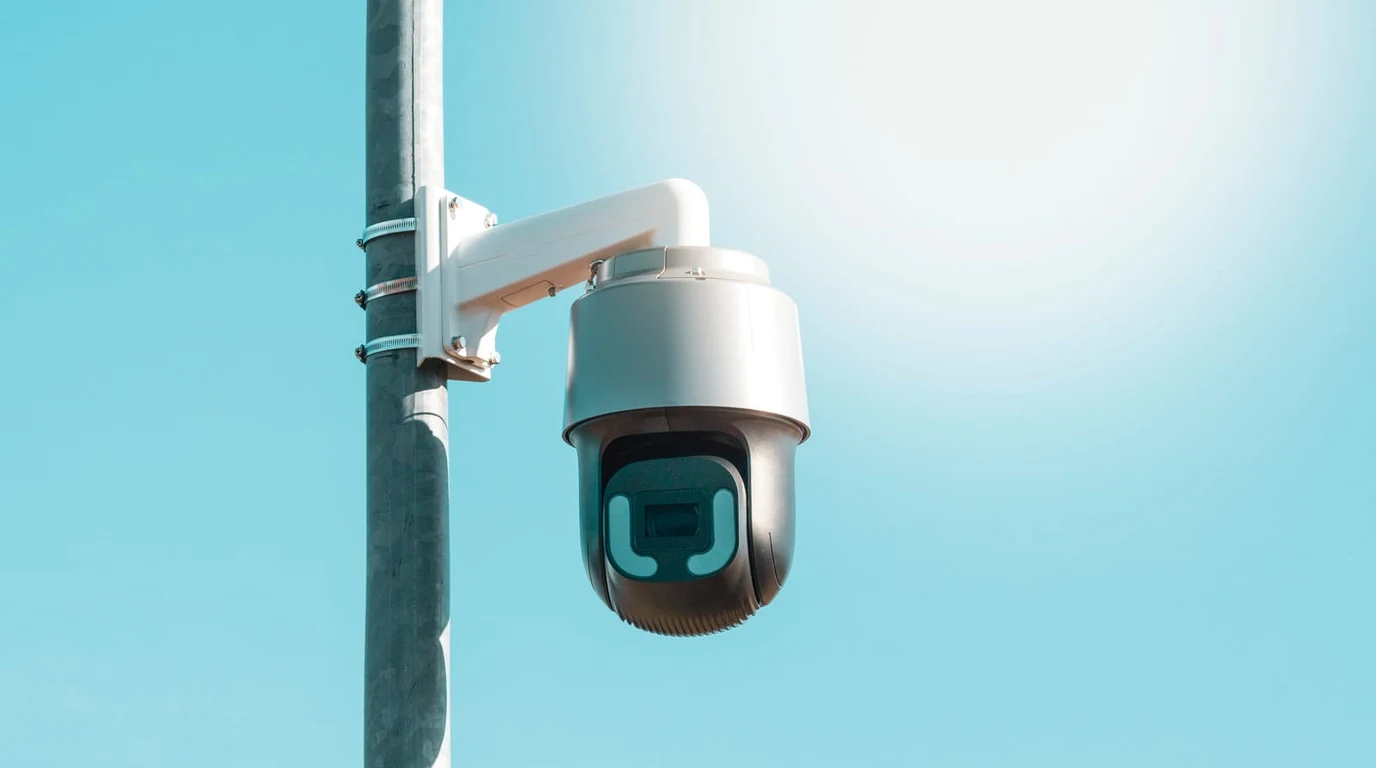
You’ve likely reached that point where the “Cloud” has lost its silver lining. Maybe it was a subscription price hike that felt like a personal tax, or perhaps it was the three-second delay between someone ringing your doorbell and your phone actually showing you who it is. You’re ready to bring your security footage back under your own roof, where it belongs. But as you stand at the crossroads of local video surveillance, you’re looking at two very different paths: the polished, “it just works” ecosystem of Ubiquiti’s UniFi Protect and the raw, high-performance, open-source power of Frigate NVR.
I’ve spent thousands of hours in both ecosystems. I’ve felt the satisfaction of a UniFi camera clicking into its mount and the sheer geeky joy of seeing Frigate identify a “dog” on my lawn with 98% certainty in under 10 milliseconds. The choice you make today isn’t just about cameras; it’s about how much of your Saturday you’re willing to trade for total control. Let’s cut through the marketing fluff and get into the engineering reality of local AI surveillance.
## Does the Google Coral TPU Really Make a Difference?
If you’re leaning toward Frigate, you need to understand the Google Coral TPU. Most NVRs use the main CPU to “look” at video frames to see if a person is there. This is incredibly taxing. A modern i7 processor might struggle to analyze four 4K streams at high frame rates without sounding like a jet engine.
The Coral TPU is an ASIC (Application-Specific Integrated Circuit) designed solely for machine learning. It’s about the size of a thumb drive and costs around $60–$100. When you offload AI detection to the Coral, your CPU usage drops to nearly nothing. This allows Frigate to analyze every single frame of video in real-time.
In UniFi Protect, the AI is often “event-based.” The camera detects motion first, then asks, “Is this a person?” Frigate, with a Coral, is constantly asking “Where are the people?” This subtle architectural difference is why Frigate users can create automations that feel like magic. When the AI is that fast, your house can react to a person before they’ve even reached the doorbell.
## How Do the Costs Actually Compare Over Five Years?
Let’s talk about the “hidden” costs. With UniFi, you’re paying a premium upfront for the hardware. A UniFi G5 Pro camera is roughly $379. A comparable Dahua or Hikvision camera with a similar (or better) sensor might cost $160. If you are installing ten cameras, the “UniFi Tax” is over $2,000.
However, Frigate isn’t free. You need a host machine—usually a dedicated Mini PC like an Intel N100 or a used OptiPlex. You need the Coral TPU. You need a PoE switch. And most importantly, you need to account for your own time. If it takes you 20 hours to perfectly tune your Frigate YAML configuration and your time is worth $100/hour, that’s a $2,000 “labor cost.”
UniFi Protect is a capital expenditure (CapEx) heavy solution. Frigate is a time-expenditure heavy solution. For a business or a busy professional, UniFi’s “set it and forget it” nature often wins the financial argument. For the enthusiast, Frigate’s hardware savings pay for the hobby.
## The Actionable Playbook: How to Choose and Deploy Today
If you’re still on the fence, follow this three-step decision matrix to resolve your NVR dilemma by the end of the day.
### Step 1: Audit Your “Tinker” Threshold
Be honest with yourself. Do you enjoy troubleshooting Docker containers on a Friday night?
* If NO: Buy a UniFi Cloud Key Gen2 Plus or a UNVR and three G5 Turret Ultra cameras. You will be up and running in 30 minutes.
* If YES: Order an Intel N100 Mini PC (like a Beelink or MeLE) and search for a Google Coral M.2 or USB accelerator.
### Step 2: Select Your Camera Strategy
* The UniFi Path: Stick to the G5 series for the best price-to-performance ratio. Avoid the older G3/G4 stock unless you find a massive discount.
* The Frigate Path: Look for cameras that support “Sub-streams.” Frigate works best when it uses a low-resolution stream (like 640×480) for AI detection and the high-resolution 4K stream for recording. Brands like Amcrest, Dahua (Loryta), and EmpireTech are the gold standard here.
### Step 3: Implementation and Integration
* For UniFi: Enable “Global Recording Settings” to 24/7. Don’t rely on motion-only recording; storage is cheap, and missing a clip is expensive.
* For Frigate: Install the Home Assistant Frigate Integration immediately. Set up an automation that sends a high-resolution snapshot to your phone via Telegram or the HA app when a “person” is detected with a confidence score over 75%.
### Frequently Asked Questions
### Can I use UniFi cameras with Frigate NVR?
Yes. UniFi cameras support RTSP (Real-Time Streaming Protocol). You can adopt them into UniFi Protect to get firmware updates, then pass the RTSP stream into Frigate. However, this is the most expensive way to build a Frigate system and generally isn’t recommended unless you are migrating away from Ubiquiti.
### Does Frigate NVR require an internet connection?
No. One of Frigate’s greatest strengths is that it is 100% local. Your video never leaves your network, and the AI processing happens entirely on your local Coral TPU or CPU. This makes it significantly more private than cloud-based systems like Ring or Nest.
### Is UniFi Protect really “local” if I use the mobile app?
UniFi Protect stores all video locally on your hard drives. However, the mobile app uses Ubiquiti’s cloud servers to “broker” the connection so you can view your cameras away from home without setting up a VPN. You can disable remote access if you want a truly air-gapped system, but you’ll lose the convenience of the app.
### Which system is better for license plate recognition (LPR)?
Frigate is superior for LPR because it allows you to use specialized, high-shutter-speed cameras from any manufacturer. While UniFi has an “AI DSLR” and some LPR features, they are significantly more expensive and less flexible than a dedicated LPR camera integrated into Frigate.
Direct Practical Verdict:
## Why is UniFi Protect the “Gilded Cage” of Surveillance?
When you buy into UniFi Protect, you aren’t just buying a camera; you’re buying a philosophy. Ubiquiti has built what I call the “Apple of Networking.” The hardware is gorgeous, the mobile app is arguably the best in the industry, and the setup is so simple it feels like cheating. You plug a G5 Professional camera into a PoE switch, and within seconds, your Dream Machine or UNVR has adopted it.
But here is the costly trap: UniFi Protect is a closed ecosystem. While they have recently introduced some limited support for third-party ONVIF cameras, the experience is intentionally hobbled. To get the full suite of AI detections—the person, vehicle, and animal tracking that makes modern NVRs useful—you must use UniFi cameras. This means you are locked into their hardware margins. If a competitor like Dahua or Hikvision releases a sensor with better low-light performance at half the price, you’re stuck watching from the sidelines.
Furthermore, UniFi’s AI is “good enough” for most, but it isn’t “elite.” It runs on the camera’s internal processor or the NVR’s limited resources. It’s accurate, but it’s not instantaneous. If your goal is to turn on the porch lights the millisecond a human foot touches your driveway, UniFi’s notification pipeline often has just enough latency to be annoying.
## Is Frigate NVR Actually Ready for Prime Time?
Frigate NVR is the disruptor. It’s an open-source project that turned the industry on its head by leveraging the Google Coral Edge TPU—a tiny, affordable AI accelerator. While UniFi tries to do everything in a balanced way, Frigate focuses on one thing: speed.
By using a Coral TPU, Frigate can perform 100+ inferences per second. In plain English, that means it’s looking at your video feed dozens of times every second, identifying objects with surgical precision. Because it’s open-source, Frigate doesn’t care what camera you use. You can mix a $400 specialized 4K license plate reader with a $50 Reolink turret.
The “trap” with Frigate is the complexity. You aren’t just plugging in a box. You are managing Docker containers, editing YAML configuration files, and tuning MQTT brokers. If the phrase “editing a config file” makes you break out in a cold sweat, Frigate will feel like a second job. However, for the person who wants their house to react to the world—where the NVR tells Home Assistant to pause the vacuum because a guest is at the door—Frigate is the only real choice.
Choose UniFi Protect if you value your time and want a premium, integrated hardware experience with zero configuration. Choose Frigate NVR if you want the world’s fastest AI object detection, the freedom to use any high-end camera hardware, and deep, native integration into a Home Assistant-powered smart home.
| Feature | UniFi Protect | Frigate NVR | The Winner |
|---|---|---|---|
| Hardware Choice | Proprietary (Ubiquiti only) | Universal (Any RTSP/ONVIF) | Frigate |
| AI Performance | Standard (On-camera/NVR) | Elite (Coral TPU Accelerated) | Frigate |
| Setup Difficulty | Plug-and-Play | High (Docker/YAML) | UniFi |
| Mobile Experience | Industry-leading App | Web-based / Home Assistant | UniFi |
| Automation Depth | Limited (HomeKit via Homebridge) | Native MQTT / Home Assistant | Frigate |
Local Video Intelligence & Edge NVR Platforms
Feeding high-contrast, blur-free video feeds into local computer vision accelerators ensures accurate real-time threat detection. For Frigate NVR tuning, see Reolink CX410 vs ColorVu: Low-Light PoE Camera Test.