
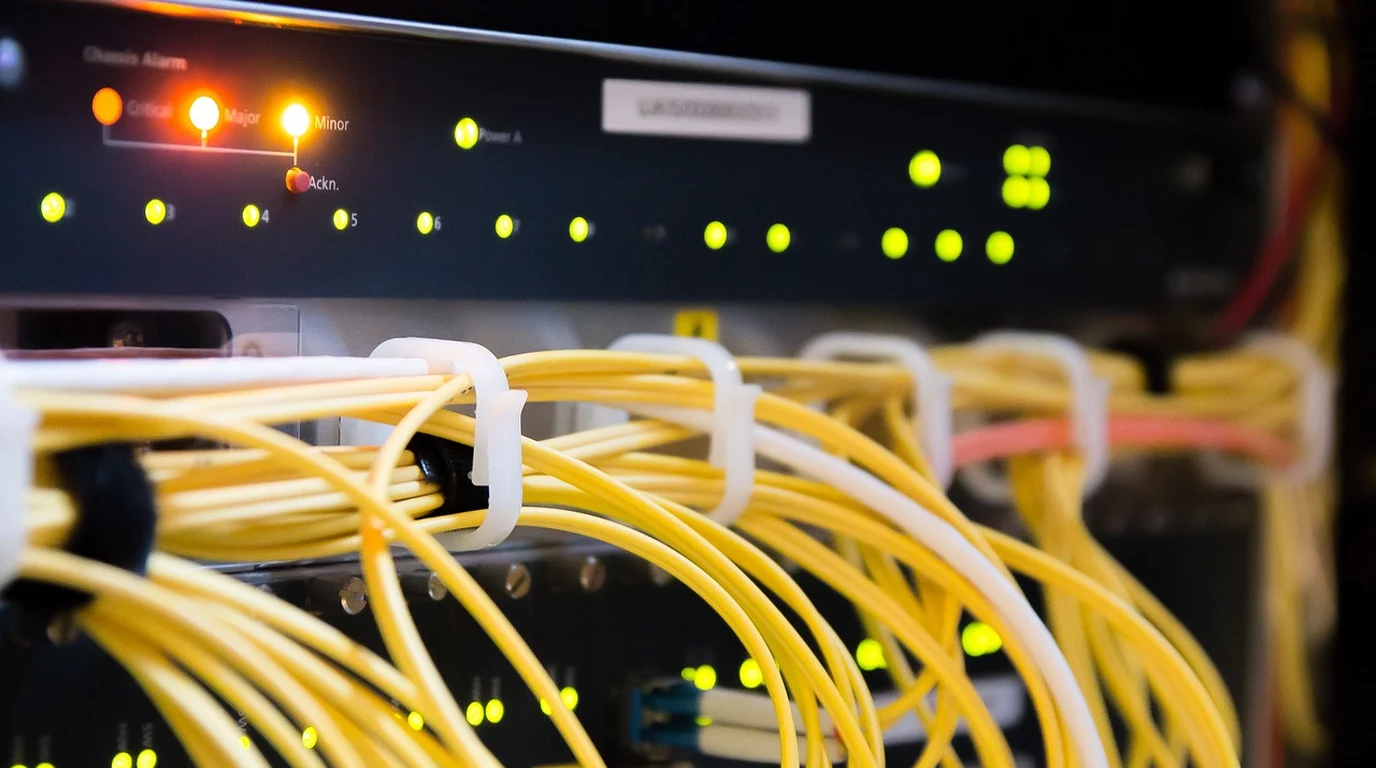
As modern smart homes and prosumer estates incorporate multi-gigabit fiber internet uplinks, 10G NVMe storage servers (TrueNAS / Unraid), multi-camera 4K Frigate NVR pipelines, and high-density Wi-Fi 7 access points, standard 1-Gigabit network switches collapse under bandwidth saturation. However, deploying enterprise data center switches inside residential environments introduces a major operational dealbreaker: screaming 40mm high-RPM cooling fans emitting 50+ dBA of noise and consuming 100+ Watts of continuous idle power. Designing a modern, whisper-quiet core residential network requires deploying fanless or ultra-low-noise 10G PoE switches featuring SFP+ uplinks.
What Is the Best Switch Architecture for a Residential 10G Backbone?
The Infrastructure Engineering Verdict:
The optimal residential architecture decouples the core optical 10G backbone from the edge PoE distribution. Deploy a completely fanless SFP+ optical aggregation switch (such as the MikroTik CRS305 or CRS309) to interlink your router, NAS, and NVR at 10 Gbps over low-heat Direct Attach Copper (DAC) or OM4 fiber, and link down via 10G trunk to a managed 2.5G PoE+ edge switch (such as Ubiquiti Pro Max 24 PoE) that silently powers Wi-Fi 7 APs and security cameras.
The primary physics hurdle in 10-Gigabit networking is copper thermal dissipation. Running 10GBase-T over standard Cat6A copper cables requires transceivers that consume 2.5 to 4 Watts per port, converting significant electrical power into intense localized heat. A 16-port 10GBase-T copper switch acts like a small space heater and physically mandates high-velocity cooling fans to prevent silicon thermal throttling.
Optical SFP+ (Small Form-factor Pluggable) architecture completely circumvents this thermal bottleneck. When using 10G Direct Attach Copper (DAC) twinax cables for short rack runs (< 3 meters), power consumption drops to a negligible 0.1 Watts per port with near-zero latency. For long home runs between floors, 10G SR optical transceivers consuming under 0.8 Watts over OM4 multi-mode fiber allow core switches to operate with massive passive aluminum heatsinks in complete, total silence (0 dBA).
Forensic Switch Hardware Teardown: MikroTik vs. Ubiquiti vs. TP-Link Omada
Evaluating prosumer switch platforms across thermal characteristics, acoustic noise, software ecosystems, and PoE budgets:
| Switch Model | Port Configuration | Acoustic Noise (dBA) | PoE Power Budget | Recommended Architecture Role |
|---|---|---|---|---|
| MikroTik CRS305-1G-4S+IN | 4× 10G SFP+ + 1× 1G RJ45 | 0 dBA (100% Fanless Passive) | None (Data only) | Whisper-quiet core 10G optical desktop hub ($140) |
| Ubiquiti Pro Max 24 PoE | 8× 2.5G PoE++ / 16× 1G PoE+ / 2× 10G SFP+ | Near-silent (< 24 dBA at low load) | 400 Watts PoE++ | All-in-one residential edge power for APs and cameras |
| TP-Link Omada SG3428X-M2 | 24× 2.5G RJ45 + 4× 10G SFP+ | Smart Fan (< 28 dBA) | None (Requires separate PoE injector) | Budget-conscious 2.5G multi-gig aggregation switch |
| Ubiquiti Enterprise 8 PoE | 8× 2.5G PoE+ + 2× 10G SFP+ | Fanless / Silent | 120 Watts PoE+ | Compact office or home theater sub-panel distribution |
VLAN Architecture and Network Segmentation Rules
High-bandwidth switches are useless if domestic network traffic is flat and unsegmented. A professional smart estate requires strict 802.1Q VLAN separation to isolate untrusted IoT devices while guaranteeing line-rate speeds for video streaming and local AI:
- VLAN 10 (Trusted Core Management): Workstations, primary laptops, and admin interfaces. Full line-rate 10G access to TrueNAS pools and Proxmox hypervisors.
- VLAN 20 (Local Smart Home & Voice): Home Assistant, Zigbee coordinators, and ESP32 voice satellites. Permitted local LAN access; internet access completely restricted.
- VLAN 30 (Surveillance & Security): PoE cameras and Frigate NVR. Zero internet access; isolated multicast and RTSP traffic prevents camera hacking.
- VLAN 40 (IoT & Smart Appliances): Smart TVs, robotic vacuums, and commercial thermostats. Isolated internet-only access with client isolation enabled.
Fiber SFP+ vs DAC Cables: Latency, Jitter, and Optical Budgets
When engineering an optical 10-Gigabit backbone, systems integrators must choose between Direct Attach Copper (DAC) twinax cables and optical transceivers over multi-mode OM4 fiber.
Inside an equipment rack (connecting a core switch to a TrueNAS server, a Proxmox hypervisor, and a router), passive DAC cables are mathematically superior. Passive DAC cables contain zero active optical components—they are direct shielded copper wires soldered directly to SFP+ port connectors. As a result, DAC cables consume essentially zero power (under 0.1W), emit zero thermal heat, and introduce less than 5 nanoseconds of transmission latency, compared to 100+ nanoseconds for optical transceivers and 1,500+ nanoseconds for 10GBase-T copper.
For inter-floor vertical runs or conduit spanning over 5 meters, multi-mode OM4 fiber with 10G-SR (Short Range 850nm) transceivers is the gold standard. Fiber is immune to electromagnetic interference (EMI) from high-voltage electrical lines, elevator motors, or lightning EMP surges. Furthermore, optical fiber eliminates ground loop hum in high-end audio listening rooms, isolating sensitive DAC audio streamers from electrical noise generated by server power supplies.
The 4-Step Silent Core Network Playbook
- Use Direct Attach Copper (DAC) Inside the Rack: For all inter-switch, server, and router connections within the same equipment rack, deploy 10G SFP+ passive DAC cables. DAC cables consume under 0.1W, produce zero heat, and eliminate transceiver cost.
- Select 2.5G Base-T for Wall Jack Termination: Cat6 cabling installed in walls can easily negotiate 2.5 Gbps at low power and low heat. Use 2.5G PoE+ switches for ceiling access points and desktop jacks rather than forcing noisy 10GBase-T copper.
- Size PoE Wattage Budgets with 30% Headroom: Wi-Fi 7 access points draw up to 25W (PoE+), and PTZ surveillance cameras with IR illuminators draw up to 30W (PoE+). Ensure your total switch power supply exceeds connected load by at least 30% to prevent power supply thermal stress.
- Install a Dedicated Rack Mount Smart UPS: Protect network silicon against brownouts and lightning surges by connecting core switches to an online double-conversion or pure sine wave UPS. A 1500VA UPS keeps your silent network and security cameras online for over 2 hours during power outages.
- Implement 802.3ad LACP Dynamic Link Aggregation: For high-density storage servers hosting multiple virtual machines and NVR recording streams, bind dual 10G SFP+ ports using IEEE 802.3ad LACP bonding. This creates a resilient 20 Gbps aggregate trunk with automatic failover, guaranteeing that heavy backups never bottleneck live camera recording.
Continue your smart integration research with our companion technical guide: UniFi Protect vs Frigate NVR: Local Smart Camera TCO.