You’ve likely stood in a client’s hallway, or perhaps your own, staring at a smart lock that refuses to join the network despite being only twenty feet from the hub. You’ve checked the batteries, you’ve toggled the radio, and yet, that “Device Offline” notification persists like a stubborn ghost. It’s a specific kind of professional exhaustion—the realization that the invisible architecture of a home is failing because of a fundamental mismatch between physics and environment. We’ve been told for years that “mesh networking” solves everything, but as homes get smarter and our airwaves get more crowded with Wi-Fi 6E beacons and Bluetooth noise, the old rules are breaking.
The frustration isn’t just about a light not turning on; it’s about the erosion of trust in the technology we promise will make life easier. When you’re designing a system for a sprawling estate or a modern home filled with signal-killing foil-backed insulation and poured concrete, the choice between Z-Wave 800 Series and Zigbee 3.0 isn’t just a spec-sheet comparison. It is a decision about the foundational reliability of the entire ecosystem. You need to know, with absolute certainty, that the signal will punch through that masonry wall or reach the gatehouse 500 yards away without a “hop” that adds three seconds of latency.
Direct Practical Verdict:
For maximum penetration through dense materials and long-range reliability, Z-Wave 800 Series is the undisputed winner due to its sub-GHz frequency and 1.5-mile Long Range capability. Zigbee 3.0 remains superior for high-density, low-cost sensor arrays in open-plan environments but suffers significantly in congested 2.4 GHz RF environments with heavy Wi-Fi interference.
## Why Does My Smart Home Signal Fail Through Concrete and Brick?
To understand why one protocol succeeds where another fails, we have to talk about the “Physics of the Punch.” Every wireless signal is a wave, and the length of that wave dictates how it interacts with the physical world. Zigbee 3.0 operates on the 2.4 GHz band—the same frequency as your microwave, your Bluetooth headphones, and the neighbor’s high-powered Wi-Fi router. At 2.4 GHz, the waves are short. Short waves are great for carrying data quickly, but they are easily absorbed by water, humans, and dense building materials.
Z-Wave 800 Series, conversely, operates in the sub-GHz spectrum (908.42 MHz in North America). These waves are longer, more “languid,” and physically larger. Think of a Zigbee signal as a ping-pong ball and a Z-Wave signal as a bowling ball. If you throw both at a thick velvet curtain (representing a drywall or a sofa), the ping-pong ball might bounce off or get caught, while the bowling ball rolls right through. When we move to masonry, stone, or double-pane low-E glass, the 2.4 GHz signal of Zigbee often scatters or reflects, leading to “dead spots” that no amount of mesh repeating can reliably fix.
The 800 Series isn’t just a minor iteration; it’s a fundamental shift in output power. With the introduction of Z-Wave Long Range (ZWLR), we are seeing a jump to +14 dBm output power. In practical terms, this allows for a star topology—a direct connection from the hub to the device—that can span up to 1.5 miles in open air. Even inside a home, that extra “oomph” means the signal doesn’t just reach the next room; it reaches through the floor, through the radiant heat manifold, and into the mechanical room without breaking a sweat.
## The Costly Trap: Why “More Nodes” Doesn’t Always Fix Zigbee
The most common mistake I see in the field is the “more is better” fallacy. A technician encounters a flaky Zigbee sensor and decides to add three more Zigbee plugs to “strengthen the mesh.” On paper, this makes sense. In reality, you might be making the problem worse. Because Zigbee shares the 2.4 GHz spectrum, every node you add is another voice shouting in an already crowded room. If your home is saturated with Wi-Fi 6 traffic, the Zigbee “clear channel assessment” (the moment the device listens before it speaks) often fails, causing retries, latency, and massive battery drain.
Z-Wave 800 Series avoids this “spectral noise floor” entirely. By operating in the 900 MHz range, it lives in a relatively quiet neighborhood. There are no Wi-Fi beacons here. There are no streaming 4K videos competing for the airwaves. This “quiet” environment allows Z-Wave 800 devices to use much lower power to achieve much higher reliability. This is the “Costly Trap”: choosing Zigbee because the hardware is $15 cheaper per switch, only to spend $500 in labor hours later trying to troubleshoot why the mesh keeps collapsing under the weight of Wi-Fi interference.
| Feature / Metric |
Z-Wave 800 Series (incl. ZWLR) |
Zigbee 3.0 |
Winner for Reliability |
| Frequency Band |
908.42 MHz (Sub-GHz) |
2.4 GHz (ISM Band) |
Z-Wave (Less Noise) |
| Max Range (Point-to-Point) |
Up to 1.5 Miles (ZWLR) |
~100 Meters (Line of Sight) |
Z-Wave 800 |
| Material Penetration |
High (Concrete, Masonry, Wood) |
Moderate (Drywall, Glass) |
Z-Wave 800 |
| Interference Risk |
Near Zero (Isolated Band) |
High (Wi-Fi, Bluetooth) |
Z-Wave 800 |
| Data Rate |
100 kbps |
250 kbps |
Zigbee 3.0 (Speed) |
| Battery Life (Sleepy Nodes) |
Up to 10 Years (Coin Cell) |
2-5 Years (Typical) |
Z-Wave 800 |
## How Does Zigbee 3.0 Handle Wi-Fi 6 Interference?
If you are committed to Zigbee 3.0—perhaps because of the vast ecosystem of affordable sensors or the global compatibility—you must understand the “Channel Conflict.” Wi-Fi 6 and 6E are aggressive. A standard 20MHz Wi-Fi channel (like Channel 1) completely overlaps with several Zigbee channels. If your router is set to “Auto” channel selection, it might hop right onto your Zigbee network’s frequency, effectively drowning out your smart home devices.
Zigbee 3.0 does include improved interference avoidance, but it is still a “polite” protocol. It waits for a gap in the noise to send its data. In a modern home with three kids streaming video and a dozen Wi-Fi cameras, those gaps are few and far between. This leads to “popcorn effect” lighting, where you hit “All Off” and the lights turn off one by one over five seconds instead of all at once.
Z-Wave 800 doesn’t have to be polite because it owns the road. The 800 series silicon (like the Silicon Labs EFR32ZG23) also introduces much faster wake-up times and lower “dynamic current.” This means the device can wake up, realize it doesn’t need to send a report, and go back to sleep in a fraction of the time a Zigbee 3.0 device takes to negotiate a noisy 2.4 GHz environment.
## Which Protocol Should I Choose for Battery-Powered Door Locks?
Door locks are the ultimate test of a wireless protocol. They are often mounted on thick wood or metal doors, located at the furthest edges of the home, and they
cannot fail. Furthermore, they are battery-dependent.
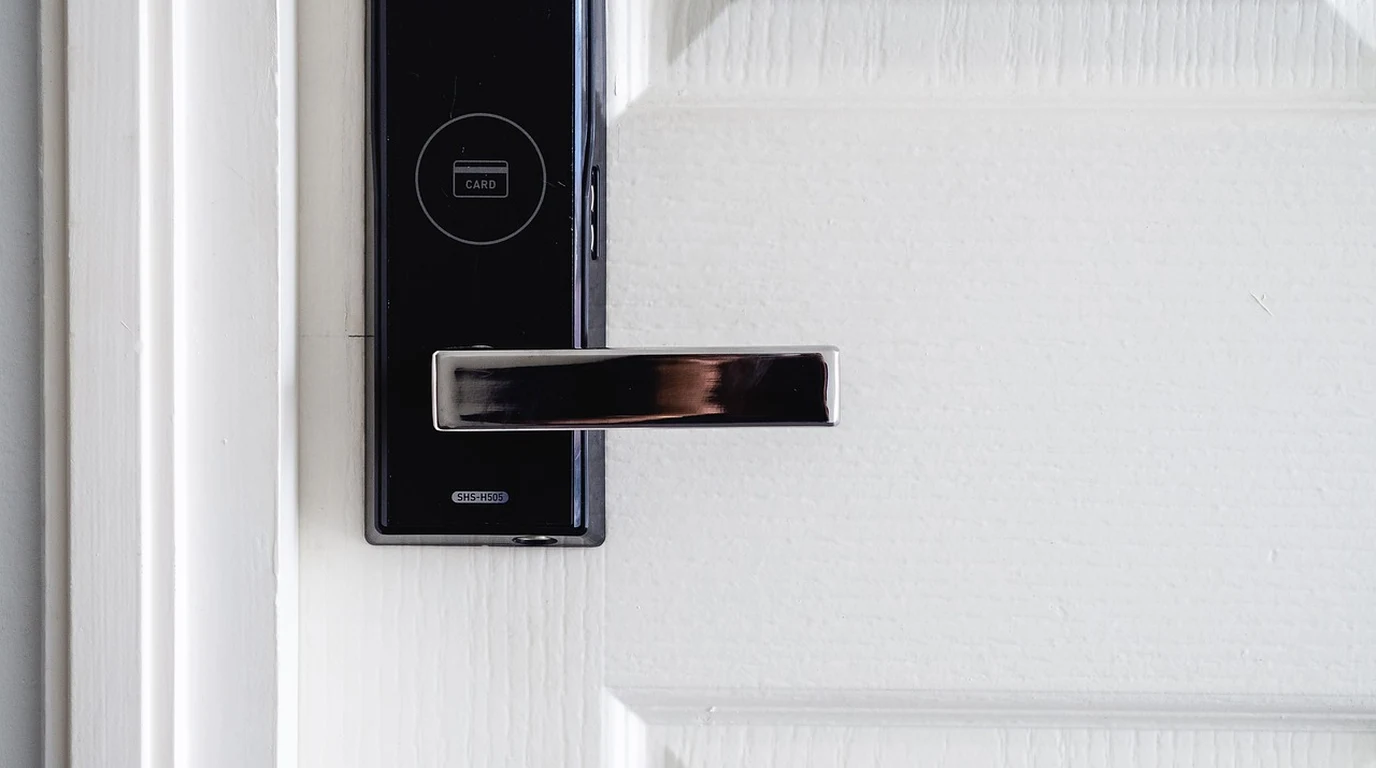
The Z-Wave 800 Series is a game-changer for locks. Because of the increased range and penetration, the lock can often maintain a direct, high-quality link to the hub without needing to hop through multiple repeaters. Every “hop” in a mesh network introduces a potential point of failure and increases the time the lock’s radio must stay active. By using Z-Wave Long Range, an 800 Series lock can operate in a star topology, significantly extending battery life—sometimes up to 10 years on a single set of batteries in ideal conditions.
Zigbee locks are capable, but they are notoriously sensitive to the “neighboring router” problem. If a Zigbee lock decides to route its signal through a cheap smart plug that someone accidentally unplugs, the lock may take minutes to “heal” and find a new path, during which time the user is locked out or the automation fails. Z-Wave’s 800 Series “Self-Healing” and Explorer Frames are more robust, and the ZWLR star topology eliminates the “middle-man” router risk entirely.
## The Actionable Playbook: Building a Bulletproof Wireless Infrastructure
If you want to stop troubleshooting and start enjoying (or billing for) a finished project, follow this implementation hierarchy.
1.
Audit the Environment: Before buying a single hub, look at the construction. Is there foil-backed radiant barrier in the attic? Is the home built with “Hardiplank” (which often contains cement) or real stone? If yes, default to Z-Wave 800 Series for all critical infrastructure (locks, thermostats, main lighting).
2.
Map Your Wi-Fi Channels: If you must use Zigbee 3.0 for cost-effective sensors, manually set your Wi-Fi to Channel 1 or 6. This leaves Zigbee Channel 25 or 26 open and relatively clear of interference. Never leave your Wi-Fi on “Auto.”
3.
Deploy Z-Wave 800 for Distance: For any device more than 50 feet from the hub or separated by more than two walls, use Z-Wave 800 Series. If you are reaching for an outdoor gate or a detached garage, ensure both the hub and the device support Z-Wave Long Range (ZWLR).
4.
Use Zigbee for High-Density “Line of Sight”: Zigbee is fantastic for a room with 20 individual LED puck lights or a dense array of contact sensors in a single open-plan area. The 250 kbps speed handles these “bursty” small data packets slightly faster than Z-Wave’s 100 kbps, provided the airwaves are clear.
5.
Standardize the Backbone: Build your “routing backbone” (the devices that are always powered, like in-wall switches) using Z-Wave 800. This creates a massive, high-penetration mesh that battery-powered sensors can lean on. Even if you use Zigbee for some sensors, having a rock-solid Z-Wave backbone for the “must-work” items is the professional’s secret.
6.
Verify with a Spectrum Analyzer: If you are a pro, use a tool like the Wi-Spy Air to actually see the 2.4 GHz congestion. Showing a client a graph of the “noise” in their home is the easiest way to explain why you are recommending the slightly more expensive Z-Wave 800 Series hardware.
### Frequently Asked Questions
Can Z-Wave 800 Series devices work with my older Z-Wave 700 or 500 series hub?
Yes, Z-Wave 800 is fully backward compatible. However, to get the benefits of Z-Wave Long Range (the 1.5-mile range) and the improved battery efficiency of the 800 series, both the hub and the device must be 800 Series or higher.
Does Zigbee 3.0 penetrate concrete better than older Zigbee versions?
No. The penetration is limited by the 2.4 GHz frequency itself, which remains unchanged. While Zigbee 3.0 has better mesh healing and security, its physical ability to pass through dense materials is still significantly inferior to the sub-GHz Z-Wave 800 Series.
Is Z-Wave Long Range (ZWLR) a mesh or a star topology?
ZWLR actually moves away from the mesh model and uses a star topology, where every device talks directly to the hub. This eliminates the need for “hops,” reduces latency, and is the primary reason it can achieve such incredible distances and battery life.
Local Wireless Protocols & Penetration Architecture
Building a completely private smart home network requires securing reliable local protocol backbones. For wireless mesh comparisons, see our analysis on Unifi Protect vs Frigate NVR: Local Video AI Guide.
Local Wireless Protocols: Z-Wave vs Zigbee Mesh
Understanding how IP-based mesh networking contrasts with legacy sub-GHz mesh protocols simplifies whole-home network design. For RF penetration tests, see Matter over Thread: Border Router & Latency Guide.